LAB SECURITY
QUESTIONS
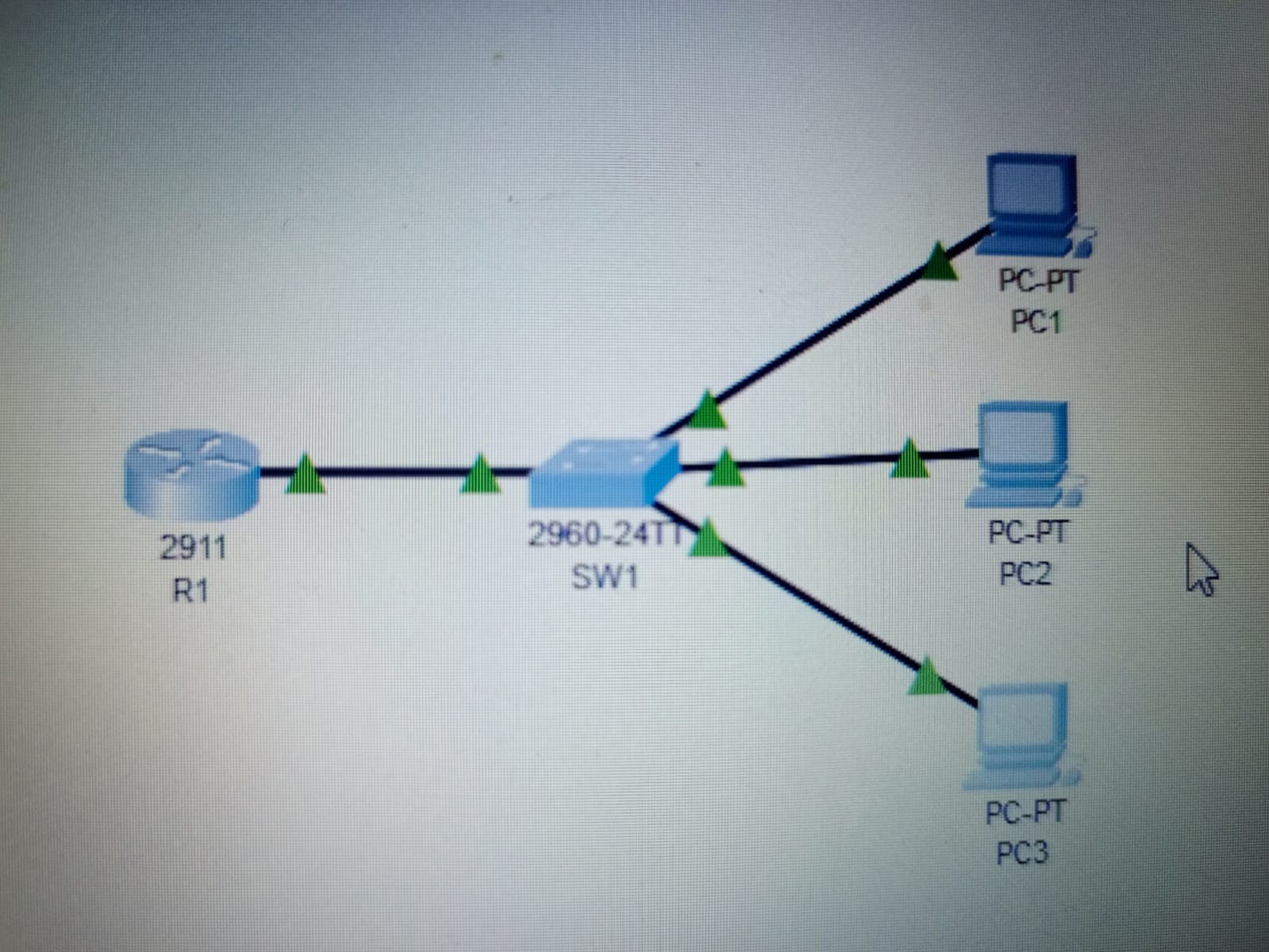
- Change the hostnames of the router and switch to the appropriate names (R1, SW1).Use the ‘hostname’ command in global configuration mode
Using the commands i changed the host to “R1”
1
2
3
4
R1#config t
Enter configuration commands, one per line. End with CNTL/Z.
R1(config)#hostname R1
- Configure an unencrypted enable password of ‘CCNA’ on both devices
i used enable password CCNA to set a password to my router.
1
2
3
4
R1#config t
Enter configuration commands, one per line. End with CNTL/Z.
R1(config)#enable password CCNA
- Exit back to user EXEC mode and test the password
GLOBAL CONFIG MODE
1
2
R1(config)#exit
PRIVILLEGE EXEC MODE
1
2
3
R1#
%SYS-5-CONFIG_I: Configured from console by console
USER EXEC MODE
1
2
R1#exit
View the password in the running configuration
command show running-config to see the active configuration file on the device.
1
2
3
4
5
6
7
8
9
10
11
12
13
14
15
16
17
18
19
20
21
22
23
24
25
26
R1>enable
Password:
R1#show running-config
Building configuration...

Current configuration : 711 bytes
!
version 15.1
no service timestamps log datetime msec
no service timestamps debug datetime msec
no service password-encryption
!
hostname R1
!
!
!
enable password CCNA
!
!
!
!
!
!
ip cef
no ipv6 cef
!
- Ensure that the current password, and all future passwords, are encrypted
i used service password-encryption to encrypt the enabled password CCNA.
1
2
3
4
5
6
7
R1#config t
Enter configuration commands, one per line. End with CNTL/Z.
R1(config)#service password-encryption
R1(config)#exit
R1#
%SYS-5-CONFIG_I: Configured from console by console
- View the password in the running configuration
1
2
3
4
5
6
7
8
9
10
11
12
13
14
15
16
17
18
19
20
21
22
23
24
R1#show running-config
Building configuration...

Current configuration : 716 bytes
!
version 15.1
no service timestamps log datetime msec
no service timestamps debug datetime msec
service password-encryption
!
hostname R1
!
!
!
enable password 7 08026F6028
!
!
!
!
!
!
ip cef
no ipv6 cef
!
Configure a more secure, encrypted enable password of ‘Cisco’ on both devices
i used enable secret as my command to encrypt the enabled password CCNA.
1
2
3
R1#config t
Enter configuration commands, one per line. End with CNTL/Z.
R1(config)#enable secret Cisco
- Exit back to user EXEC mode and then return to privileged EXEC mode. Which password do you have to use? Answer:
Cisco
1
2
3
4
5
6
R1(config)#exit
R1#
%SYS-5-CONFIG_I: Configured from console by console

R1#exit
- View the passwords in the running configuration.
ANSWER:
password:enable secret 5 $1$mERr$YlCkLMcTYWwkF1Ccndtll. Password:enable password 7 08026F6028
1
2
3
4
5
6
7
8
9
10
11
12
13
14
15
16
17
18
19
20
21
22
23
24
25
R1#show running-config
Building configuration...

Current configuration : 763 bytes
!
version 15.1
no service timestamps log datetime msec
no service timestamps debug datetime msec
service password-encryption
!
hostname R1
!
!
!
enable secret 5 $1$mERr$YlCkLMcTYWwkF1Ccndtll.
enable password 7 08026F6028
!
!
!
!
!
!
ip cef
no ipv6 cef
!
What encryption type number is used for the encrypted ‘enable password’?
ANSWER:5 MD5
What encryption type number is used for the encrypted ‘enable secret’?
ANSWER: Type 7
Save the running configuration to the startup configuration To save the configuration one can use some commands like :write,write memory.
1
2
3
R1#write
Building configuration...
[OK]
Once saved we use startup-config to make sure the configuration will be loaded upon restarting on the device.
1
2
3
4
5
6
7
8
9
10
11
12
13
14
15
16
17
18
19
20
21
22
23
24
25
R1#show startup-config
Using 763 bytes
!
version 15.1
no service timestamps log datetime msec
no service timestamps debug datetime msec
service password-encryption
!
hostname R1
!
!
!
enable secret 5 $1$mERr$YlCkLMcTYWwkF1Ccndtll.
enable password 7 08026F6028
!
!
!
!
!
!
ip cef
no ipv6 cef
!
!
!